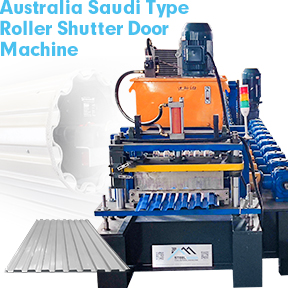
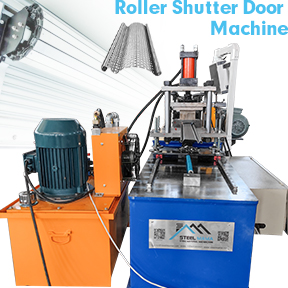
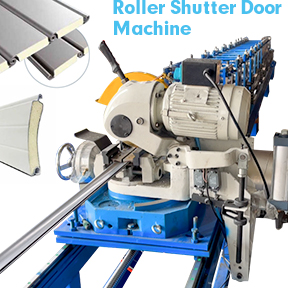
How to Troubleshoot Common Issues with Sheet Roll Forming Machines
Even the best sheet roll forming machine can run into production problems. Material waste, dimensional inaccuracies, and unexpected stops cost time and money.
The good news? Most common issues can be diagnosed and fixed without a service engineer.
Below is a practical guide on how to troubleshoot common issues with sheet roll forming machines — keeping your line running smoothly and your reject rate low.
1. Twisted or Spiraled Profiles
Symptoms: The finished sheet or profile rotates along its length. When laid flat, one end lifts off the ground.
Root cause: Uneven roller pressure or misaligned shafts across the roll forming machine stations.
Troubleshooting steps:
Check that all top and bottom rollers are parallel.
Verify each stand’s horizontal and vertical alignment.
Loosen and re-tighten the roller shafts in sequence from entry to exit.
Reduce pressure on the side where twisting occurs.
Prevention: Always level the sheet roll forming machine base and use a laser alignment tool during setup.
2. Camber (Curved Profile in Horizontal Plane)
Symptoms: The formed profile curves to the left or right when viewed from above — even though the raw coil is straight.
Root cause: One side of theroll forming line has more friction or pressure than the other.
Troubleshooting steps:
Inspect roller gaps on both sides of each station.
Root cause: Worn bearings, loose keys, or misaligned universal joints.
Troubleshooting steps:
Listen near each stand with a mechanic’s stethoscope or long screwdriver.
Stop the machine and rotate each roller by hand.
Replace any bearing that feels gritty or has radial play.
Tighten all shaft keyways and coupling bolts.
Golden rule: Never ignore new noises. Most catastrophic roll forming machine failures started as a small, ignored sound.
Preventive Maintenance Checklist (To Avoid Most Issues)
Frequency
Action
Daily
Clean visible debris from rollers and guides
Weekly
Check all bolts and tighten loose stands
Monthly
Lubricate chains, gears, and universal joints
Quarterly
Measure roller gaps with feeler gauges
Yearly
Laser-align the entire sheet roll forming line
Final Thoughts
Knowing how to troubleshoot common issues with sheet roll forming machines turns costly downtime into a 15–30 minute fix. Start with the simplest cause (dirty rollers, loose bolts, material width) before assuming major tooling damage.
Bookmark this guide for your next production stoppage — and share it with your machine operators.
Need replacement parts or technical support for your sheet roll forming machine? Contact our team with your machine model number and issue description. We offer same-day troubleshooting support and fast spare parts shipping.
FAQ
What are the most common problems with roll forming machines?
Some problems happen a lot with these machines. Roller misalignment is one of them. Lubrication failures also cause trouble. Electrical faults can stop the machine. Coil entry errors are another problem. These issues can slow work and make products worse.
How often should you perform maintenance on your sheet roll forming machine?
Check your machine every week. Clean the rollers and check oil levels. Look for any signs of wear. Once a month, test the electrical systems. Calibrate the sensors monthly too. Use a checklist to remember each job.
Why does your machine produce wrinkled or twisted sheets?
Wrinkled or twisted sheets mean rollers are not lined up. Check if the rollers are straight. Look at the entry guides too. Adjust the rollers so they match the centerline. Change any rollers that look worn out.
What should you do if your machine stops suddenly?
Start by checking the power supply. Look at all the wires for loose spots. Check the control panel for fault codes. If you still cannot find the problem, call a BMS Machinery expert.
How can you prevent surface scratches on finished sheets?
Clean the rollers and guides before each shift. Take off any debris from the sheet metal. Use the right lubrication every time. Check rollers for damage often. Change any worn parts to keep sheets smooth.
When should you consult a professional for troubleshooting?
Call a professional if you see alarms or error codes often. Strange machine actions mean you need help. If basic checks do not fix it, ask BMS Machinery experts for help.
What records should you keep for maintenance?
Write down every maintenance job you do. Record inspections, repairs, and parts you change. Keep reports for electrical, mechanical, and coil handling work. Use digital records so you can find them fast.
We use cookies to enable all functionalities for best performance during your visit and to improve our services by giving us some insight into how the website is being used. Continued use of our website without having changed your browser settings confirms your acceptance of these cookies. For details please see our privacy policy.